
From the archive · Dale Spoonemore
Testing tip: Screen resolution
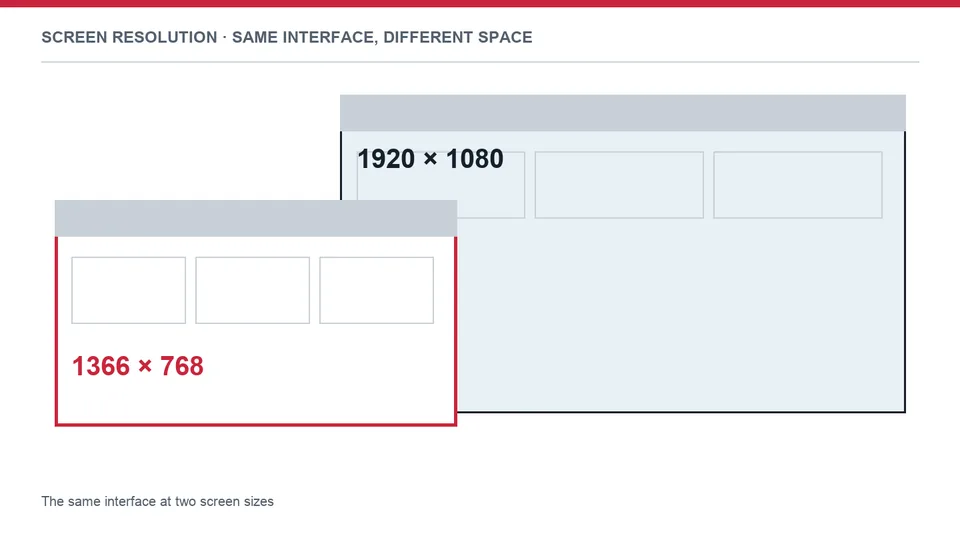

Written in 2016. The screen-resolution figures describe W3Schools visitors in January of that year.
As of January, 2016 the most popular screen resolution is still 1366 x 768 with a 35% share followed by 1920 x 1080 at 18%. However, most of us in the QA world have these giant high-resolution monitors and never see our applications as a majority of our users do. This can cause you to miss major UI bugs and even functional bugs that affect many users. This is why I set my laptop's screen resolution to 1366 x 768 at least once a week, get out of my office and run through the application I'm testing as a user would. Moving the physical location of where I'm testing also allows me to step back and look at the application with a fresh pair of eyes from a different vantage point. These methods have saved me from the embarrassment of missing many bugs in my career and I encourage you to try it out from time to time. You'll see things in a completely different way and probably catch a lot more bugs.
Browser display statistics: http://www.w3schools.com/browsers/browsers_display.asp