
Talk · Dale Spoonemore
Intro to Ionic — OKC.js
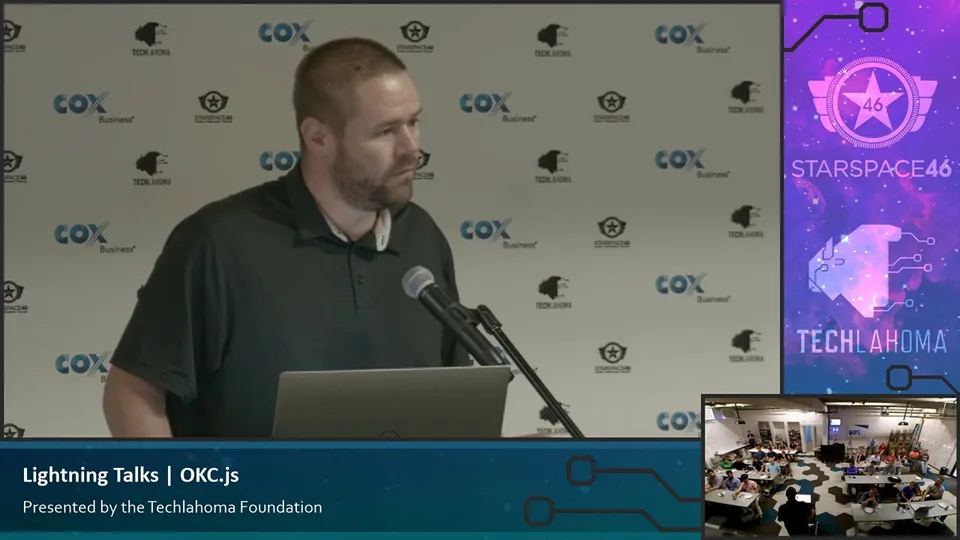
Edited excerpts from this talk. Follow the recording links to watch the full presentation.
Ionic is a framework
In the recording: 0:21–1:25.
Ionic is a framework that lets you build apps from one code base that is HTML, CSS and JavaScript, and then it builds out versions of each. It is different from native apps, and it's important to talk about the differences upfront. Ionic has a web browser that it pops up, and then it emulates everything inside of that to look like a mobile app. For iOS it makes everything inside of that look like it should look on an iOS. On Android it does the same for Android, and it has a CSS framework built into it that does that for you automatically, so you don't have to code anything special. There are some performance hits that you can get with that. Our app isn't doing anything too intensive, so for us it's fine, the pros outweigh the cons. But if you want to build a game or if you want to build something that does something graphically intensive, you probably need to look at React Native or just the native platforms instead.
It was easy for me to get started
In the recording: 1:29–2:08 · 3:06–3:25 · 3:34–3:51.
First off, it was easy for me to get started. I learned how to code last year with Ionic, so the framework and the documentation was really easy for me to get started with. Also it's HTML, CSS and JavaScript. I had a lifetime of HTML knowledge, just trying to make my MySpace look different as a kid and doing all that kind of stuff. It was familiar to me, and for me I just had to learn JavaScript and TypeScript. That was the big reason for me initially. I wanted to have an app for iOS and Android, and I didn't want to have to learn both native code bases.
When I was building a list, for example, I could go through and look at all the different lists that they've already built, and I could choose the one that I want. This is just a really great experience, especially in the design phase of an app whenever I didn't really know how I wanted things to work or how I wanted things to feel.
The way I was building an app is I would start by identifying the problem I was trying to solve, and I would go use these components and then match them up in my head of what component solves the problem best for me. That was a really easy way for me to build an app. I'm not a great designer, but I don't have to be because Ionic makes that simple.
Ionic start
In the recording: 4:05–4:21 · 4:27–4:42 · 4:53–5:19.
You type Ionic start, and then it asks you for the app name. It's gonna ask you a few other things here, what type of template you want to start with. You can choose all these different types of templates to start with, and it goes through and it builds out the project.
Cordova is what lets you actually use the things on the device. The camera, the geolocation, all of those type of things on the device you can use to work through Cordova. It's an Apache library that's maintained. It's a plug-in library that you can use regardless of the platform.
Once you get the app set up, to start the app it's as simple as Ionic serve. You run that, and it's going to launch a web browser that lets you pull up the app and see how it would work on the device there. Using dev tools, it's really easy to go into device mode.
Your past experience
In the recording: 11:47–12:05 · 12:54–13:20.
The question was, what advice would you give someone that's stuck between Ionic, React Native and Xamarin? For me the decision was simple because I work in an office that's surrounded by some of the best Angular developers I know, and that's what we do. For me, I didn't know how to code when I started building this, so I jumped into what I had the most help around me for.
I think your past experience really is more than anything. For me personally, I really wanted to get an app out, and in the past those kind of decisions were the things that kept me from ever doing anything. I just had to make a decision on something and start building it, and now I'm glad we did with Ionic at least.
I haven't personally done it with my app yet
In the recording: 13:30–14:03.
I have not done the Electron stuff yet. Electron is on my list for the next few weeks to get done. I've done some sample apps testing, I've done the tutorials, I've done all that, but I haven't hooked into ours yet. I think I've built an Electron app for Windows, but the challenge I ran into is building out the installer, that whole process of it. Once you have the app, you have to have an installer. I found a package that does that, but I haven't personally done it with my app yet.
I try and live within Ionic’s framework
In the recording: 16:24–16:45.
So far we've been able to get away without really having to do much in the way of custom UI stuff. I try and live within Ionic's framework as much as possible so it's not brittle. If I have a lot of custom stuff in there and then iOS completely changes its look, if I'm using the built in Ionic stuff that's just going to naturally evolve. But if I did a lot of custom stuff, now I'm on the hook for doing all that.
Get the app on a device
In the recording: 19:26–19:34.
I think it's important to get the app on a device, not just see it in a browser. It's a different way of looking at apps when you're using it that way.